Pack sizes admin
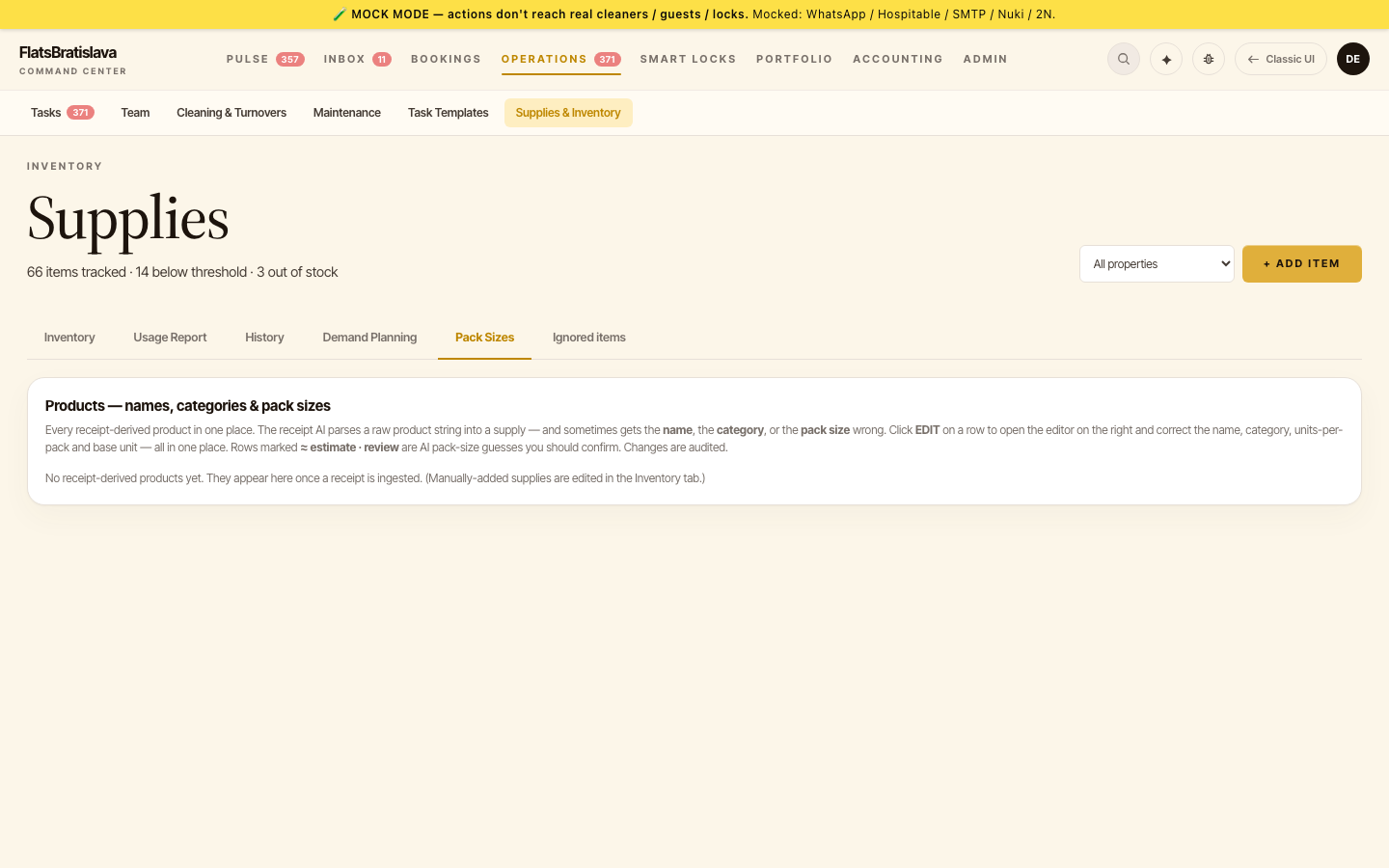 The Pack Sizes editor maps "1 pack of X" to "N base units of X" so receipt ingest can expand packs into stock correctly.
Open from Operations → Supplies → Pack Sizes.
Why this exists
A receipt line says CAFISSIMO 70g FINE AROMA × 2 packs. The supply "Coffee Capsules" is tracked in pcs (capsules), not packs. The pack-size mapping tells the platform one pack = 10 capsules, so 2 packs book 20 pcs into stock — not 2.
The pack-size table answers: for product X, 1 pack = N pcs.
How a mapping is created
Three ways:
1. Operator authored (preferred)
Operator opens Pack Sizes → New → enters:
- Product key (raw receipt product string, e.g.
CAFISSIMO 70g FINE AROMA) - Base unit (e.g.
pcs) - Units per pack (e.g.
10) - Notes (optional)
Saved → the mapping applies to all future receipts mentioning that product.
2. LLM web-lookup
When receipt ingest hits an unknown product, the LLM web-searches the product (e.g. "CAFISSIMO 70g FINE AROMA capsules per pack") and proposes a units-per-pack value. The operator confirms or overrides.
Confirmed values are stored with source='web' and confirmedAt=<timestamp>. Unconfirmed lookups don't apply — the receipt line is flagged for review instead.
3. Receipt-time prompt
If the receipt parser detects packs + unknown mapping + LLM web-lookup didn't return a high-confidence value, the receipt row is flagged for operator review at ingest time. The operator fills in the mapping inline; the receipt processes after.
Why no silent guessing
For stock counts, a wrong multiplier is worse than no multiplier. A wrong × 10 adds 10× the actual stock; the system thinks the property is overstocked when it isn't; the restock task never spawns.
The platform refuses to guess. If a mapping is missing AND the LLM lookup fails or is low-confidence, the line is flagged + the operator decides.
Editing existing mappings
Each row in the Pack Sizes table is editable. Changes are audit-logged (user-owned config ):
- Who changed it
- When
- The old → new diff
Visible in Admin → Audit Log → Pack Sizes.
Re-applying after a fix
If a receipt was processed before the mapping was known (wrong stock-add), the operator can:
- Add the mapping for the product.
- Open the receipt in the receipt viewer.
- Tap Reprocess — the receipt re-parses with the new mapping; stock is reconciled to the corrected value.
This is the