Admin
Activity Log
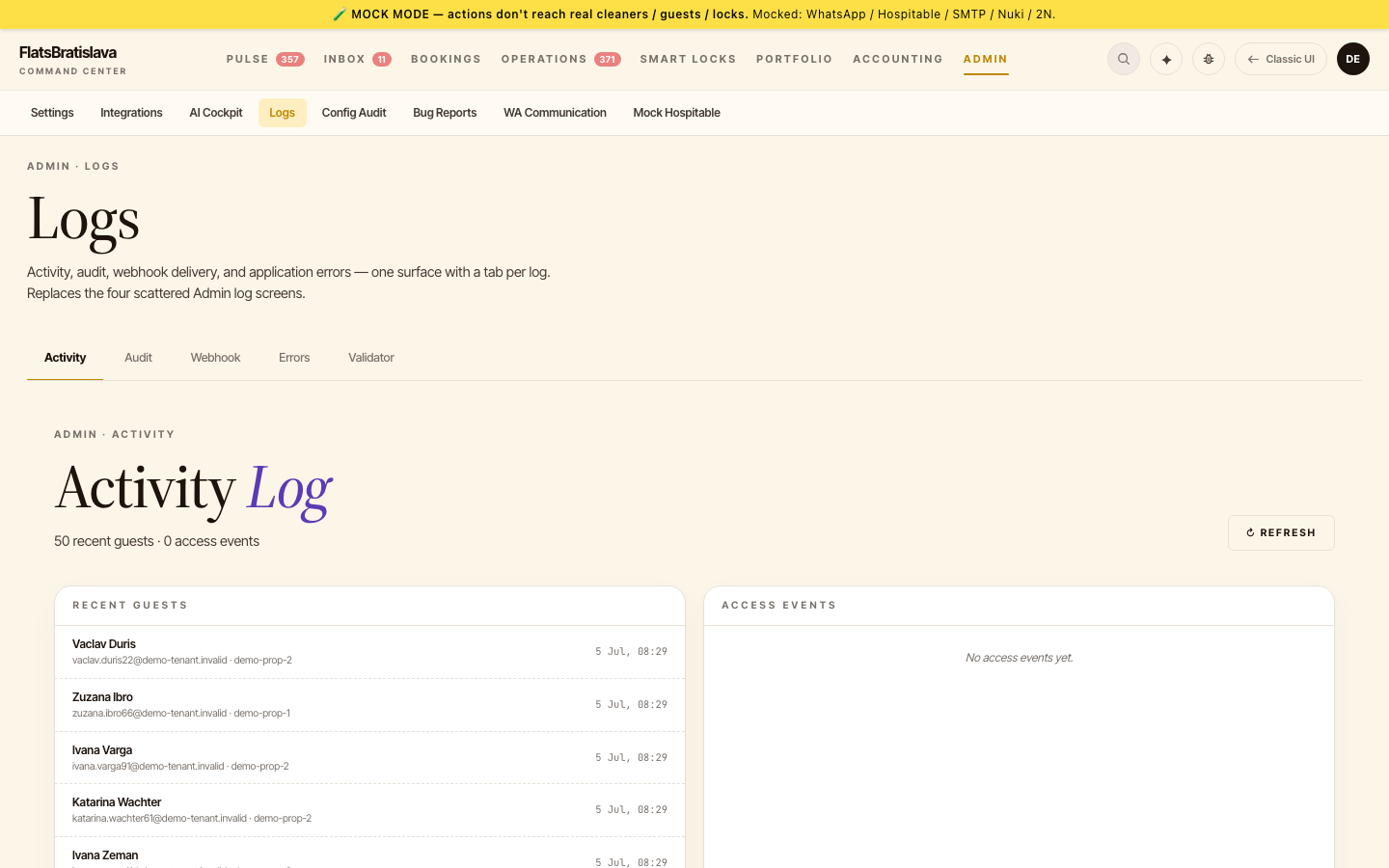
The Activity Log is the audit trail of every significant action the system or an operator took — task created, task fired, message sent, code generated, teammate edited.
What's logged
- System actions — task seeded, cron-fired, auto-resolve evaluated, Nuki PIN generated, WA message sent.
- Operator actions — login, teammate edit, manual task trigger, payout marked paid.
- Skipped actions — when an action returned
skipped: truewith a reason (the post- silent-skip surface).
Columns
- Timestamp
- Actor — system or operator name
- Action — what happened (e.g.
task.created,whatsapp.sent,nuki.codeGenerated) - Target — what entity was affected (task ID, reservation ID, teammate ID)
- Result —
ok/failed/skipped - Details — JSON blob with context
Filters
- Actor
- Action type
- Target entity
- Date range
- Result
Reading the log when investigating a task
If a guest says they didn't receive a message and you're trying to confirm it was sent:
- Find the task ID (from Operations Tasks or the reservation detail page).
- Filter Activity Log by Target =
task:<id>. - Walk through every row chronologically.
- The last row should be
whatsapp.sentwithresult: ok. If it'sresult: skipped, the reason is in Details.
Skipped actions are logged
When an action internally bails (e.g. WhatsApp sendReply skipped because the guest opted out), the Activity Log captures:
result: skippedreason: "guest_opted_out"(or whatever the action returned)
A skipped action is never invisible — the task shows failed with the reason rather than a silent done.
Source: the luxury.host operator manual.