Payments (AccPayments)
The Payments tab is the per-payment audit view. Every payment row — cleaner fee, maintenance fee, cash advance, city-tax cash payment — appears here with one row per payment, and each row is one tap from the source-task evidence.
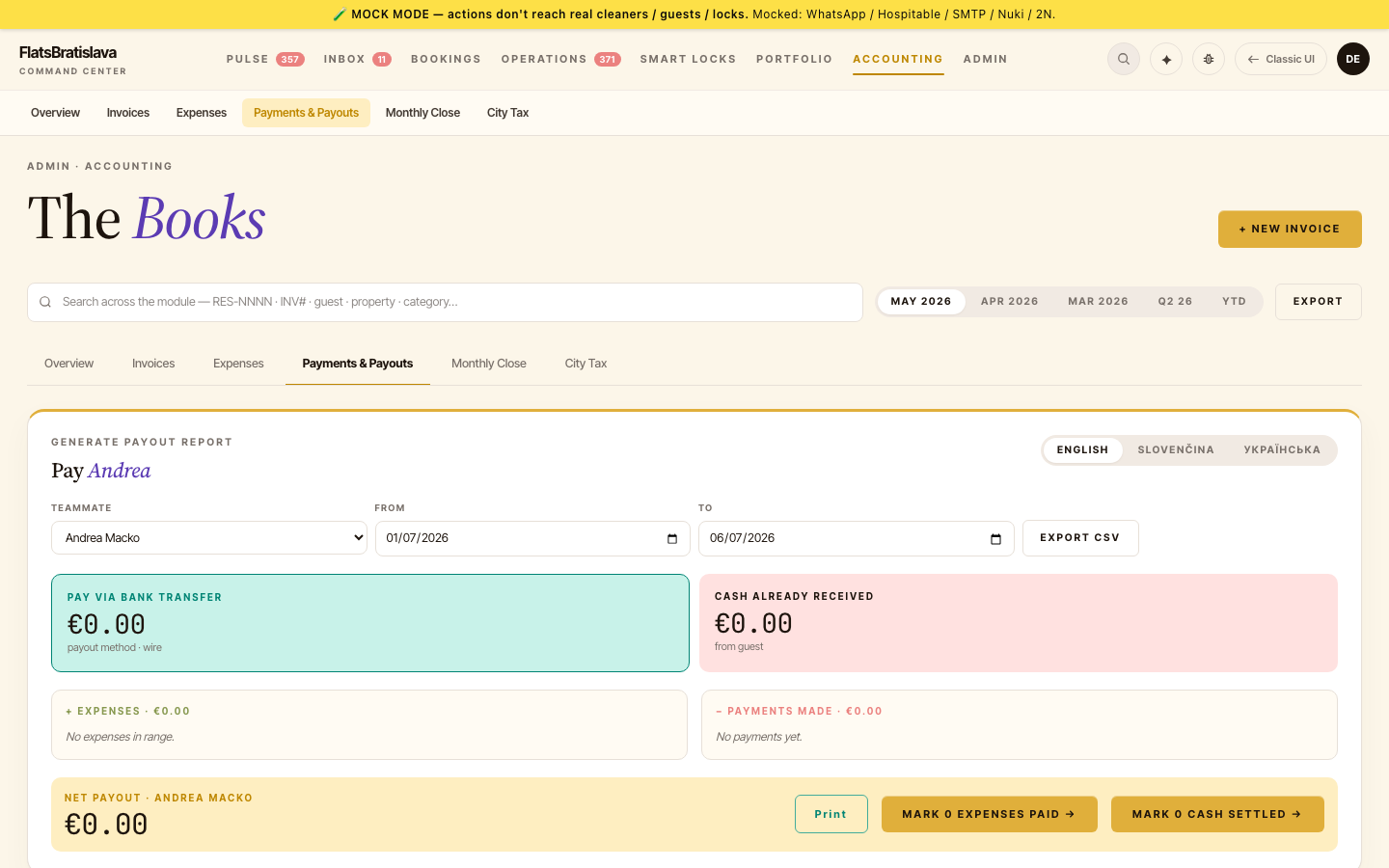
What's in a row
| Column | What it shows |
|---|---|
| Date | When the payment was recorded |
| Type | cleaner_fee / maintenance_fee / cash_advance / city_tax_cash |
| Amount | € amount |
| Teammate | Who's owed / who paid |
| Property | Property slug (e.g. Castle&River Vydrica — |
| Source task | Tap chip → opens the source-task drawer |
| Photo | Thumbnail of cash-pickup or walkthrough photo, if attached |
| Status | paid / unpaid / disputed |
Source-task peek
Click the source-task chip to open a drawer with:
- The source cleaning task's checklist (every item, with check state)
- The walkthrough photos the cleaner submitted (the evidence the payment is grounded in)
- A link to the full task drawer if you need to drill deeper
Why this matters: before
"No link to task" label
For manually-created payments that aren't backed by a task (rare — e.g. a one-off cash advance), the source-task column shows "No link to task — manually created" instead of a non-functional chip. The label makes the missing link obvious instead of silently broken.
City-tax cash payments
City-tax cash payments (collected by the cleaner from the guest on arrival) have their own row pattern:
- Amount must not be €0.
- A photo of the cash counted should be attached.
- Pre- and flagged for operator review.
If you find an old payment row that still shows €0 or no photo, it predates the backfill window — open the source-task drawer and check whether the cleaner's checklist + photos can be retroactively linked.
Filtering
Top-of-page filters:
- Date range (From / To)
- Teammate
- Property
- Type
- Status
The filters are live — they affect the rows shown AND any "mark N paid" batch action.