V28 is the default UI
As of
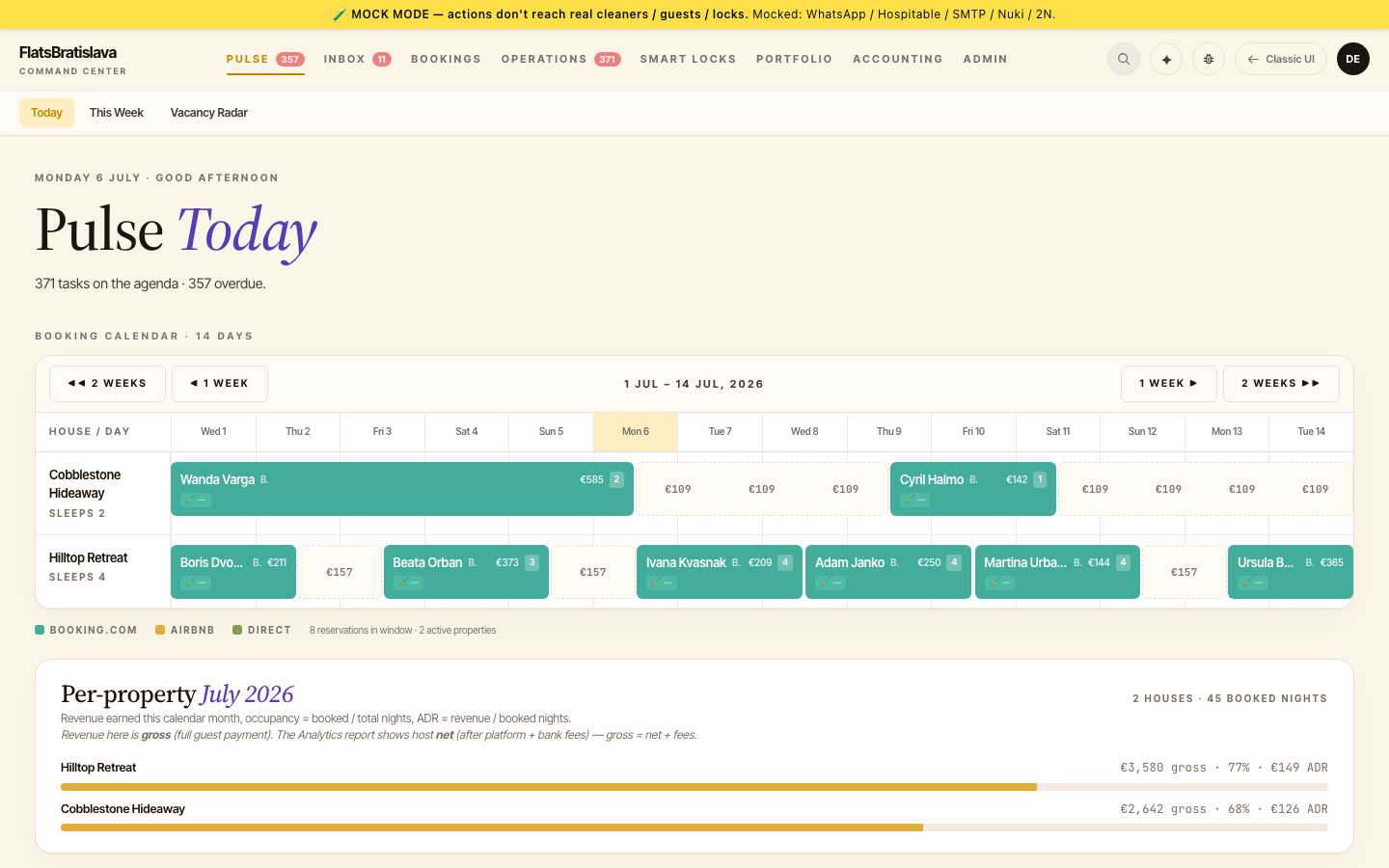
Switching to legacy
A Switch to old UI affordance lives in the top-right utility menu. Tap → the platform records your preference (users.preferredUi=legacy) → all subsequent navigation lands on legacy. The preference persists across sessions.
To switch back: from any legacy page, the equivalent Switch to V28 chip lives in the legacy header. Tap → preference flips → next nav lands on V28.
Why operators might pick legacy
Some surfaces are still legacy-only (the V28 escape-hatch sweep —. A surface marked legacy-only in this user manual means there is no V28 equivalent yet; you have to be in legacy mode.
For day-to-day operations, V28 should be the default — it has the modern design tokens, the Pulse Copilot integration, the audit log, the V28-native dialogs.
When to expect a flip
V28 becomes the default Tenants onboarded after the
Browser preferences are not user preferences
The V28-vs-legacy preference lives on users.preferredUi, not in browser local storage. Logging in from a different device picks up the same preference. Clearing browser data doesn't reset it.
To reset, an admin can edit your user row in Admin → Users.